








المولد
تاريخ
مُنشئ تخطيطات الأرض الاصطناعية
أداة التغيير
النموذج
أساسي
تبديل
الغرف
غرفة النوم
-
2
+
حمام
-
1
+
مطبخ
开放式
封闭式
总面积
وحدة مقياس
مقياس إمبراطوري
مقياس إمبراطوريمنطقة
< 50㎡
50-80㎡
80-100㎡
100-120㎡
120-150㎡
> 150㎡
附加设施
خزانة الملابس التي تتمكن من الدخول فيها
غرفة الغسيل
غرفة التخزين
غرفة الأعمال المتعددة
مكتب المنزل
جراج
خزانة الأطعمة
غرفة المعيشة والطعام المشتركة
بالكوني

Design Your Dream Space with Our AI Online Plan Creator
Unleash your architectural vision with Ideal House’s AI Floor Plan Generator. This intuitive online plan creator transforms your ideas into professional 2D floor plans in seconds. Whether you're exploring new layouts, staging a property, or planning a renovation, our powerful AI floor plan maker simplifies complex design tasks. Define your ideal space with specific parameters, add essential features, and watch as our intelligent system crafts stunning, ready-to-use floor plans. It's the ultimate online plan creator for homeowners, designers, and real estate professionals seeking efficiency and precision.
Generate My Floor Plan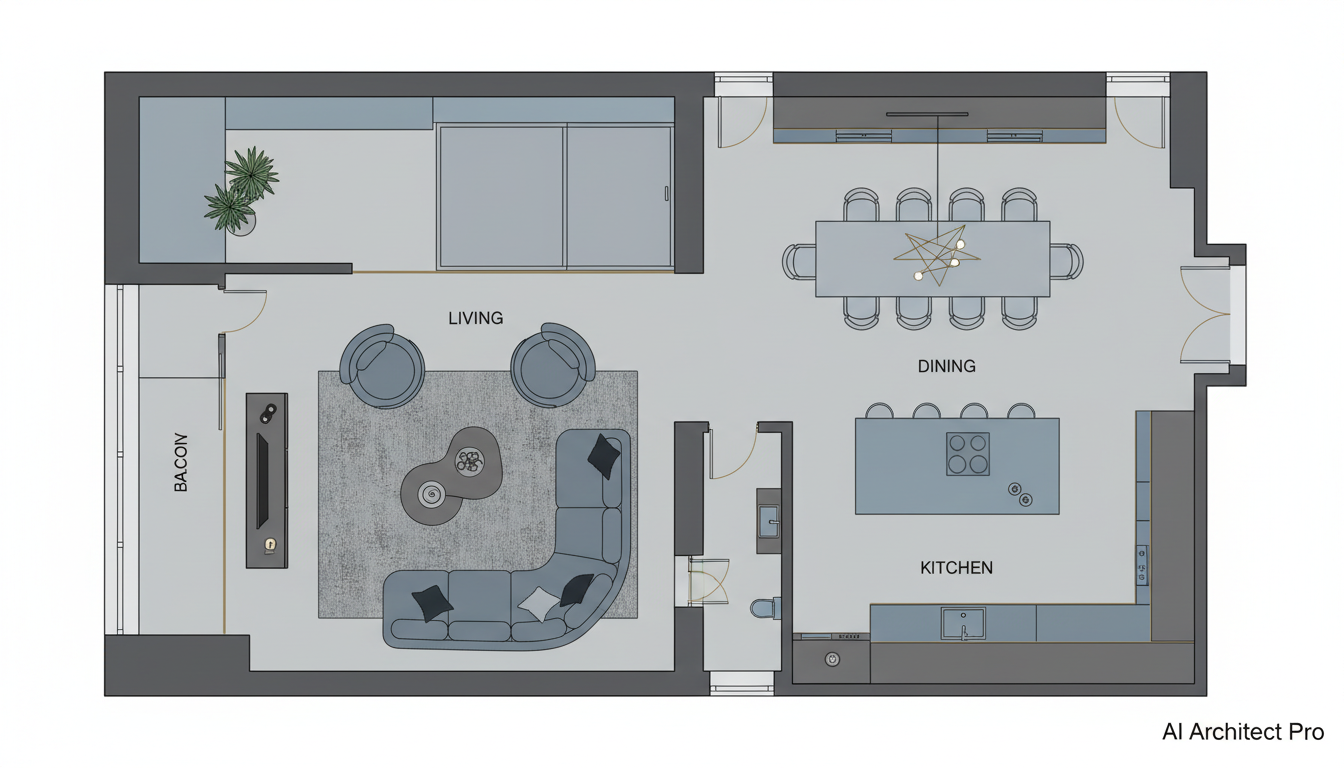


Why Ideal House is Your Go-To Online Plan Creator

Effortless Design with AI Precision
Our AI Floor Plan Generator takes the guesswork out of design. Simply input your preferences—from the number of bedrooms and bathrooms to kitchen styles (open or closed) and gross area ranges—and let our smart online plan creator do the rest. It’s like having a personal architect at your fingertips, translating your needs into a functional, aesthetic 2D floor plan instantly. Get started today and create floor plans that truly reflect your vision.
Tailor-Made Layouts with Custom Extras
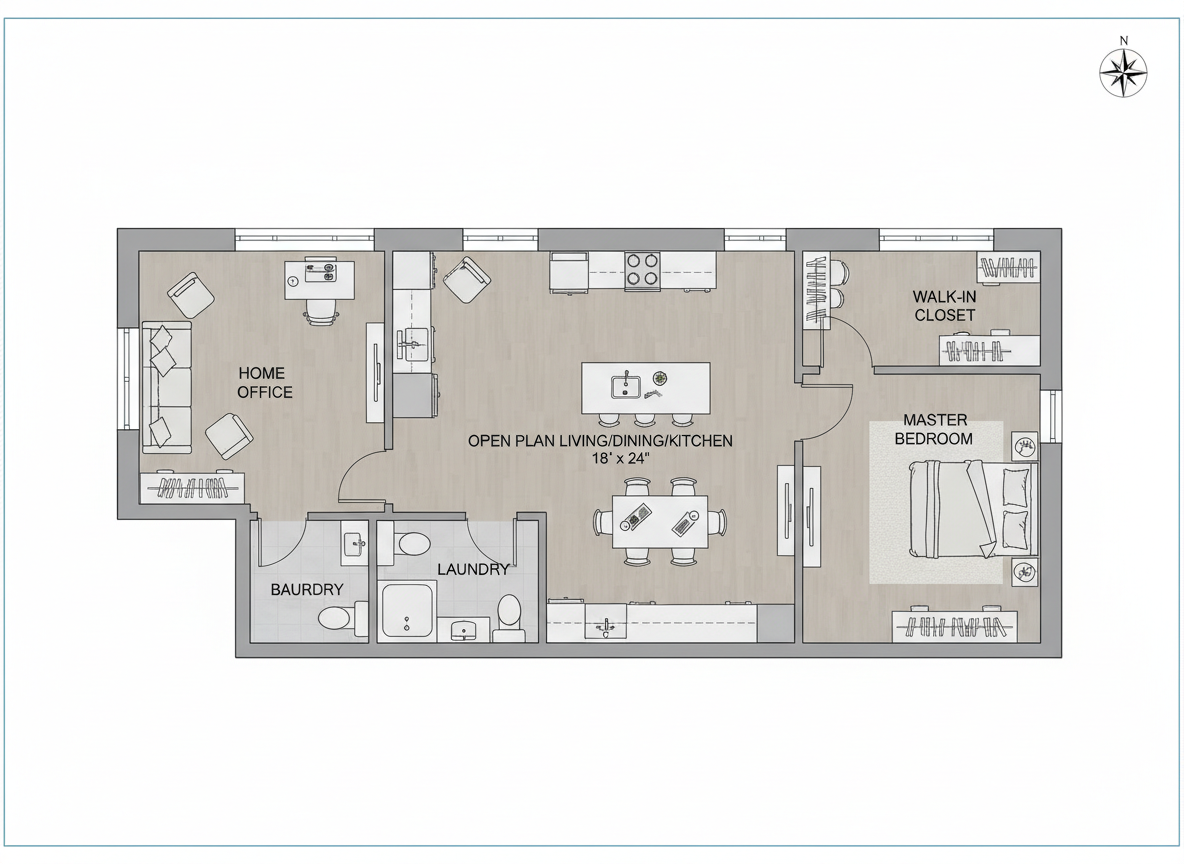
Beyond basic room counts, our online plan creator allows you to integrate crucial 'extras' that shape the character and functionality of your space. Add a walk-in closet, laundry room, home office, garage, pantry, combined living-dining area, or a balcony. These selections guide the AI floor plan maker to generate a custom floor plan that aligns perfectly with your lifestyle or client brief, making it an indispensable home design software for detailed planning.
Rapid Iteration and Comparison
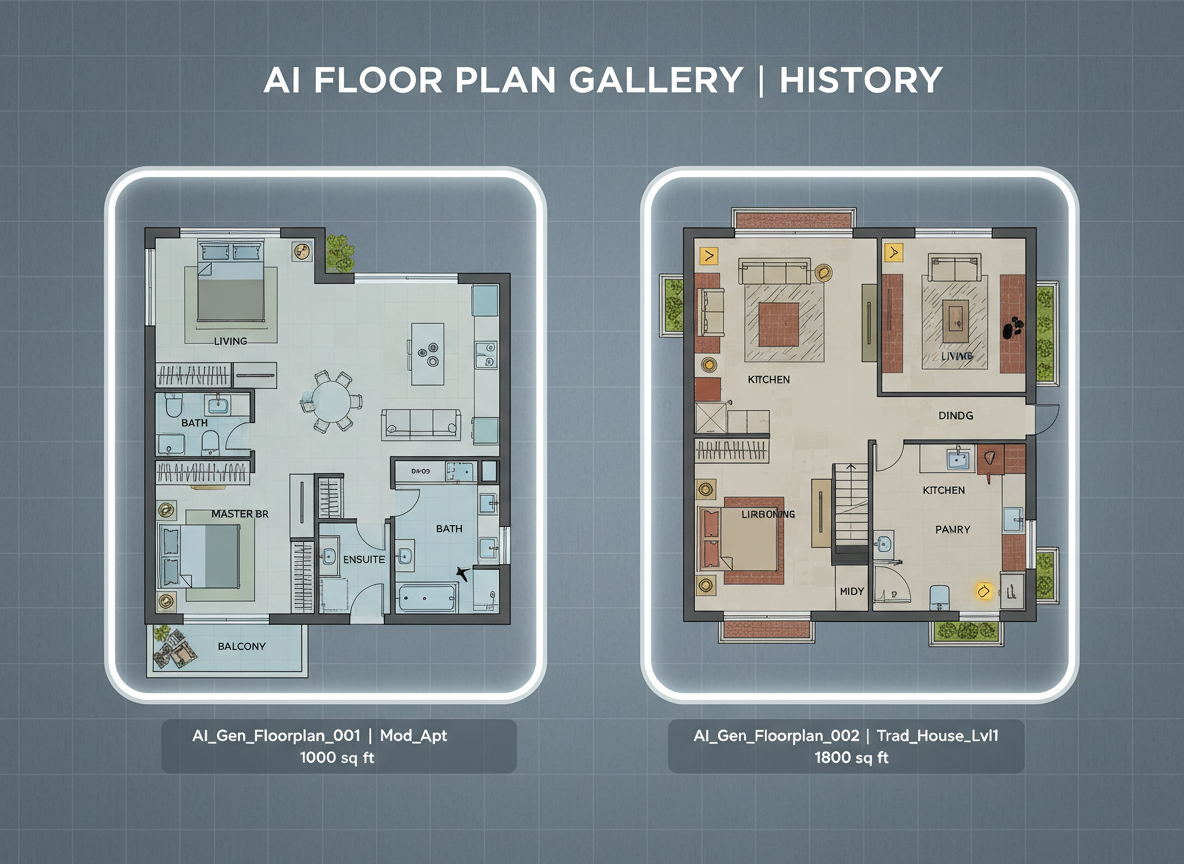
Experiment with countless design possibilities in minutes, not hours. Our online plan creator saves every generated floor plan in your 'Generation History,' allowing you to easily compare different versions side-by-side. Use filters and grid views to review your quick floor plans, ensuring you select the ideal layout. This feature is perfect for professionals needing to present multiple options or homeowners refining their room layout planner ideas.
Shareable, Professional-Grade Output
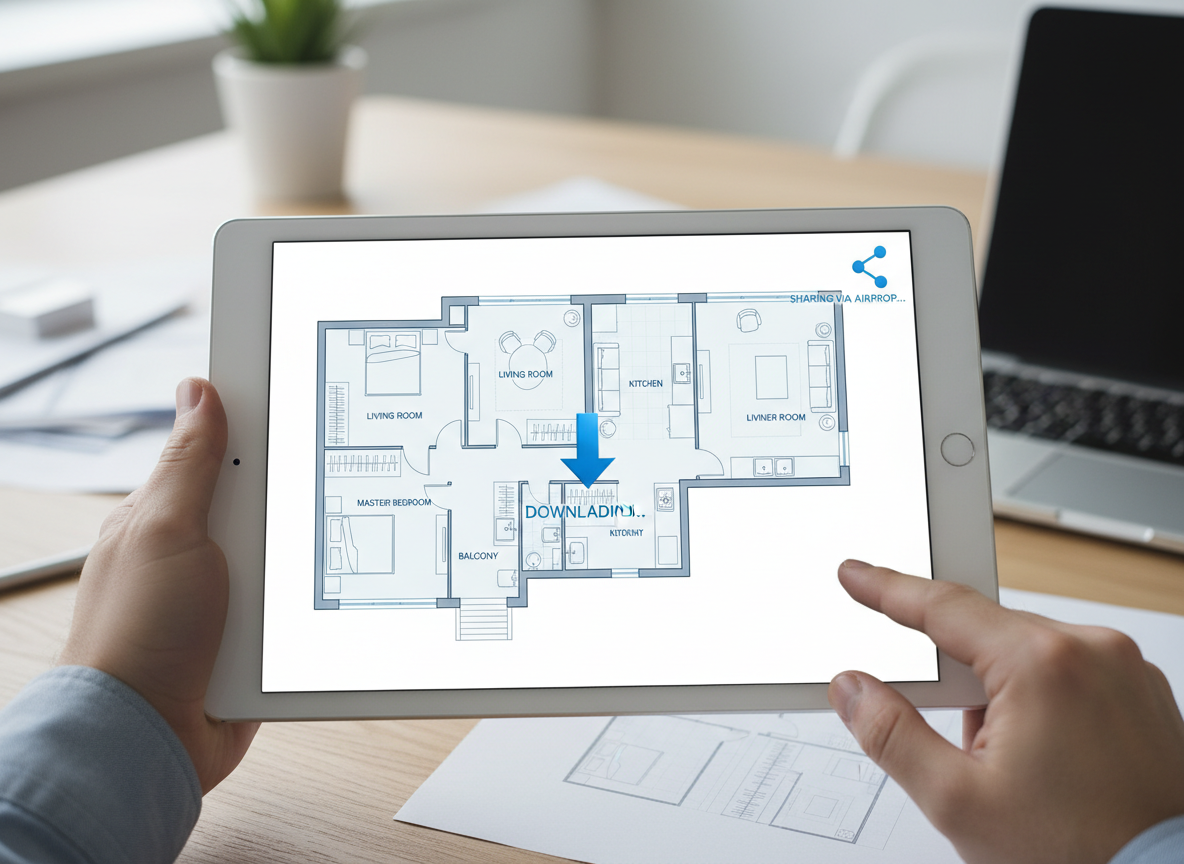
Generate clear, presentation-ready 2D floor plans that are perfect for sharing with clients, colleagues, or for real estate listings. Our online plan creator produces high-quality digital floor plans that can be easily exported as images or PDFs. Impress with professional architectural drawing tool output that communicates layout and flow effectively, enhancing any property listing or design proposal. This building plan creator ensures your vision is conveyed with clarity.

Who Benefits from Our Online Plan Creator?

Homeowners & DIY Planners: Visualize renovations, explore new room layouts, and design your perfect living space with ease. See how an open vs. closed kitchen changes the flow, or where to put that new walk-in closet.

Interior Designers & Decorators: Quickly generate apartment layout tool concepts and iterate with clients in real-time, bringing their visions to life with efficient 2D floor plan designs. Create floor plans that impress.

Real Estate & Rental Professionals: Produce consistent, easy-to-understand 2D real estate floor plans for listings, helping buyers visualize properties and understand the home floor planner layout instantly.

How to Use Ideal House's Online Plan Creator
1
Define Your Space: Begin by selecting the desired number of bedrooms (0-4) and bathrooms (1-3) for your ideal layout planner.
2
Choose Your Style: Decide between an open or closed kitchen layout, then pick a gross area range that suits your overall footprint.
3
Add Key Features: Select from a variety of 'extras' like a walk-in closet, home office, or balcony to customize your floor plan generator.
4
Generate Your Plan: Click 'Generate' and watch as our AI creates a unique 2D floor plan in moments, leveraging its capabilities as an advanced online plan creator.
5
Review & Refine: Explore your generated digital floor plan in the 'Generation History', compare different versions, and adjust parameters to fine-tune your quick floor plan.
6
Download & Share: Export your chosen design as an image or PDF, ready for presentations, listings, or personal use. You've just created floor plans effortlessly!
Frequently Asked Questions About Our Online Plan Creator
How does the AI transform my selections into a floor plan?
Our AI floor plan generator interprets your inputs—beds, baths, kitchen type, gross area, and extras—and applies smart spatial logic and common architectural principles to draft a clear 2D floor plan. Each generation is a fresh, unique concept you can refine with a few clicks as your online plan creator.
What are the available ranges and default settings?
You can select 0-4 bedrooms (default 2), 1-3 bathrooms (default 1), and choose between an open or closed kitchen (default open). Gross area selections allow you to guide the overall scale, helping you design floor plans that fit your needs.
What influence does 'Gross Area' have on the design?
The gross area band guides the overall scale of your 2D floor plan, ensuring rooms and corridors are proportioned realistically for that specific footprint. Selecting the closest band results in the most believable and functional apartment layout tool designs, making our tool an effective building plan creator.
How do 'Open' vs. 'Closed' kitchen options affect the layout?
An open kitchen promotes a continuous living–dining sightline and fluid movement, ideal for modern, social spaces. A closed kitchen prioritizes a defined, separate cooking zone, offering privacy and containing odors. This choice significantly impacts the overall room layout planner feel created by our online plan creator.
What functionality do the 'Extras' provide in the plan?
Extras like a walk-in closet, home office, or laundry room inform the AI floor plan maker about specific functional requirements and spatial relationships. For instance, a walk-in closet is often placed near the primary bedroom, and a pantry adjacent to the kitchen, resulting in a more custom floor plan.
Can I compare multiple versions of my floor plans?
Absolutely! Every floor plan generated is automatically saved in your 'Generation History .' This allows you to easily use the 'Created with AI Floorplan' filter and switch between grid and list views to compare quick floor plan options side-by-side, helping you make the best decision for your home floor planner project.
How fast is the generation process, and how are credits used?
Most floor plans are generated in mere seconds. Each click of the 'Generate' button consumes the indicated credits, and all your results are conveniently stored for future reference. This efficient online plan creator ensures rapid prototyping for your architectural drawing tool needs.
Discover More Ideal House Design Tools
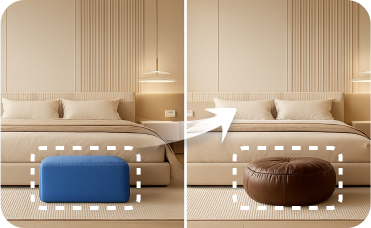
Smart Replacer
Change flooring to light wood or paint walls a neutral shade to perfect the Nordic look.
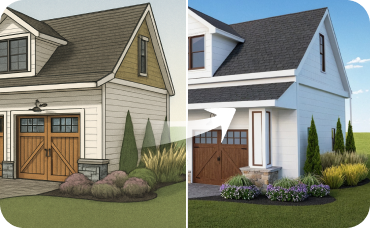
AI 3D Rendering
Create a high-resolution, multi-angle 3D model of your completely redesigned, timeless American traditional room.

Magic Editor
Clean up your photos by removing unwanted objects, clutter, or imperfections before starting your design.
Ready to Transform Your Design Process?
Experience the future of spatial planning. Generate professional 2D floor plans instantly with our intuitive online plan creator. Your ideal space is just a few clicks away.
Generate My Floor Plan
💰 احصل على عمولة 10% كشريك متابع لـ Ideal House.
انضم إلينا